
Advanced Export
Export Jira data at scale
Advanced Export lets you instantly configure and generate Jira reports — including full change history — in CSV, Excel, or JSON formats. Schedule recurring exports with flexible delivery via email, SFTP, or webhooks to keep your team and stakeholders up to date automatically. Preview reports live, map custom fields, and manage everything from a centralized dashboard.
Features
What makes Advanced Export special
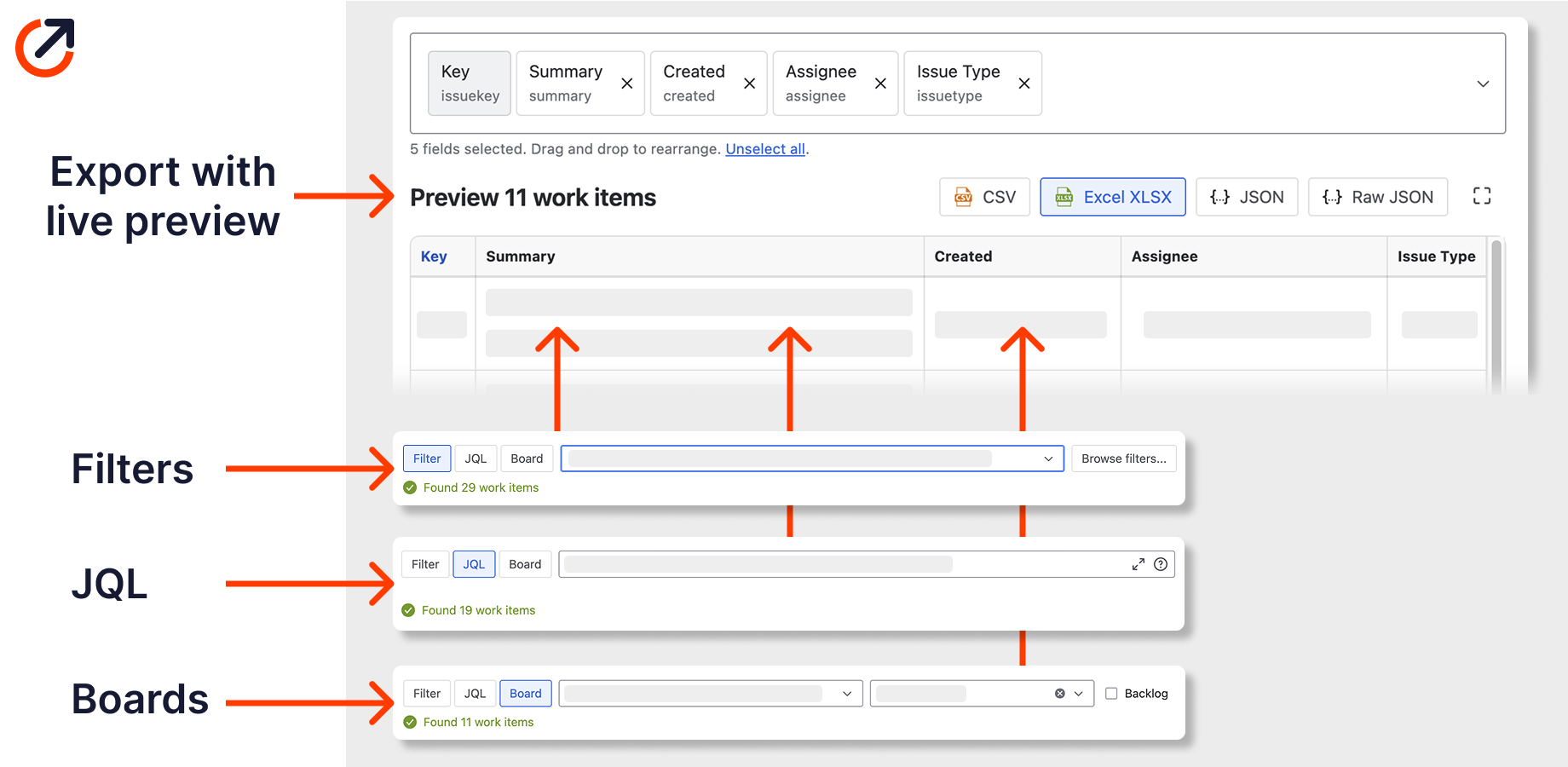
Automate Jira reports with full change history
Stop manually exporting Jira issues. Configure reports using Filters, JQL, or Boards with any field, custom data, and complete change history. Export to Excel, CSV, or JSON — without scripts or manual work.
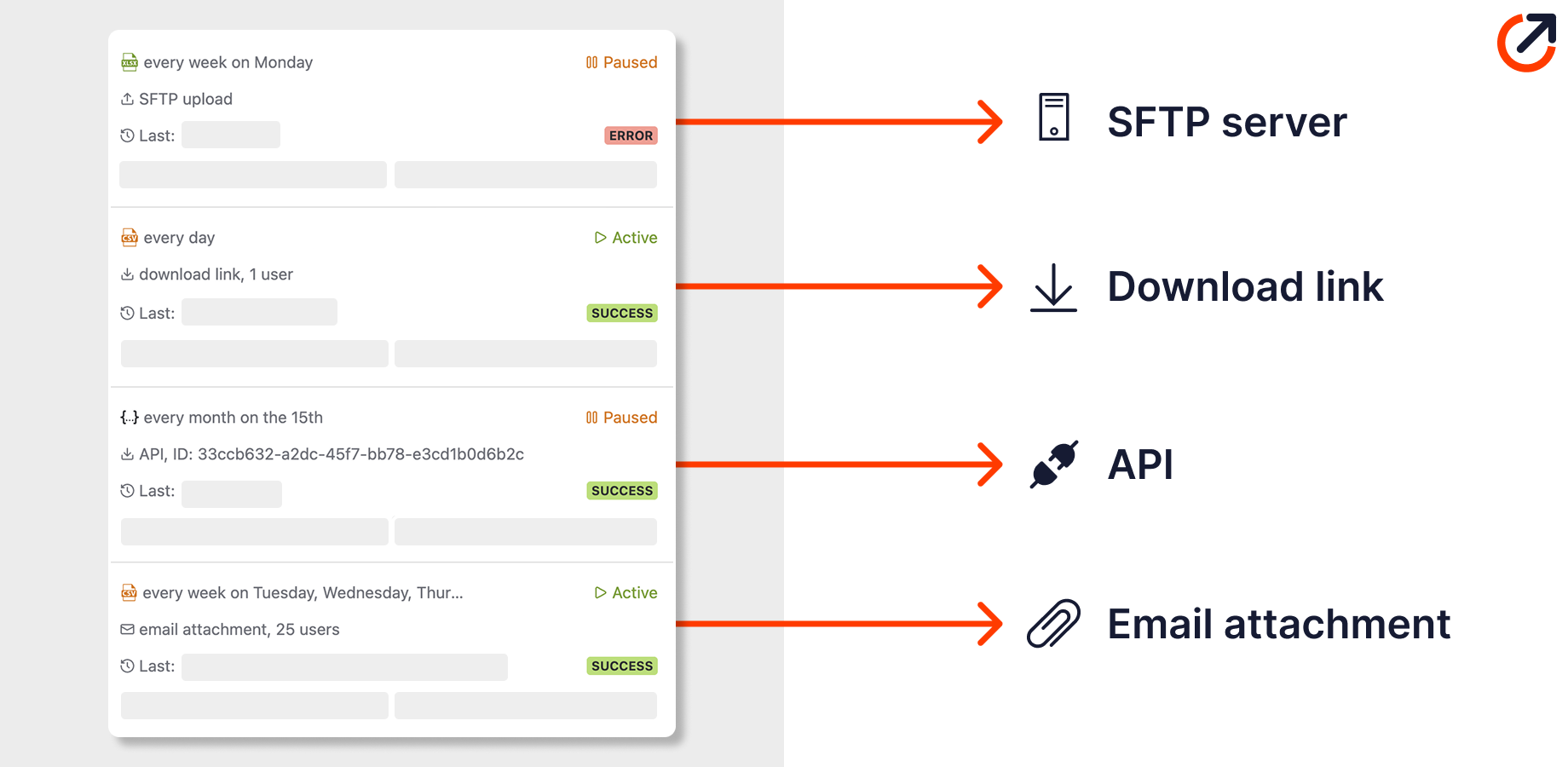
Schedule recurring reports
Use the flexible export scheduler to receive reports by email attachment, upload to an SFTP server, share via download link, or deliver through API. Set it up once and forget.
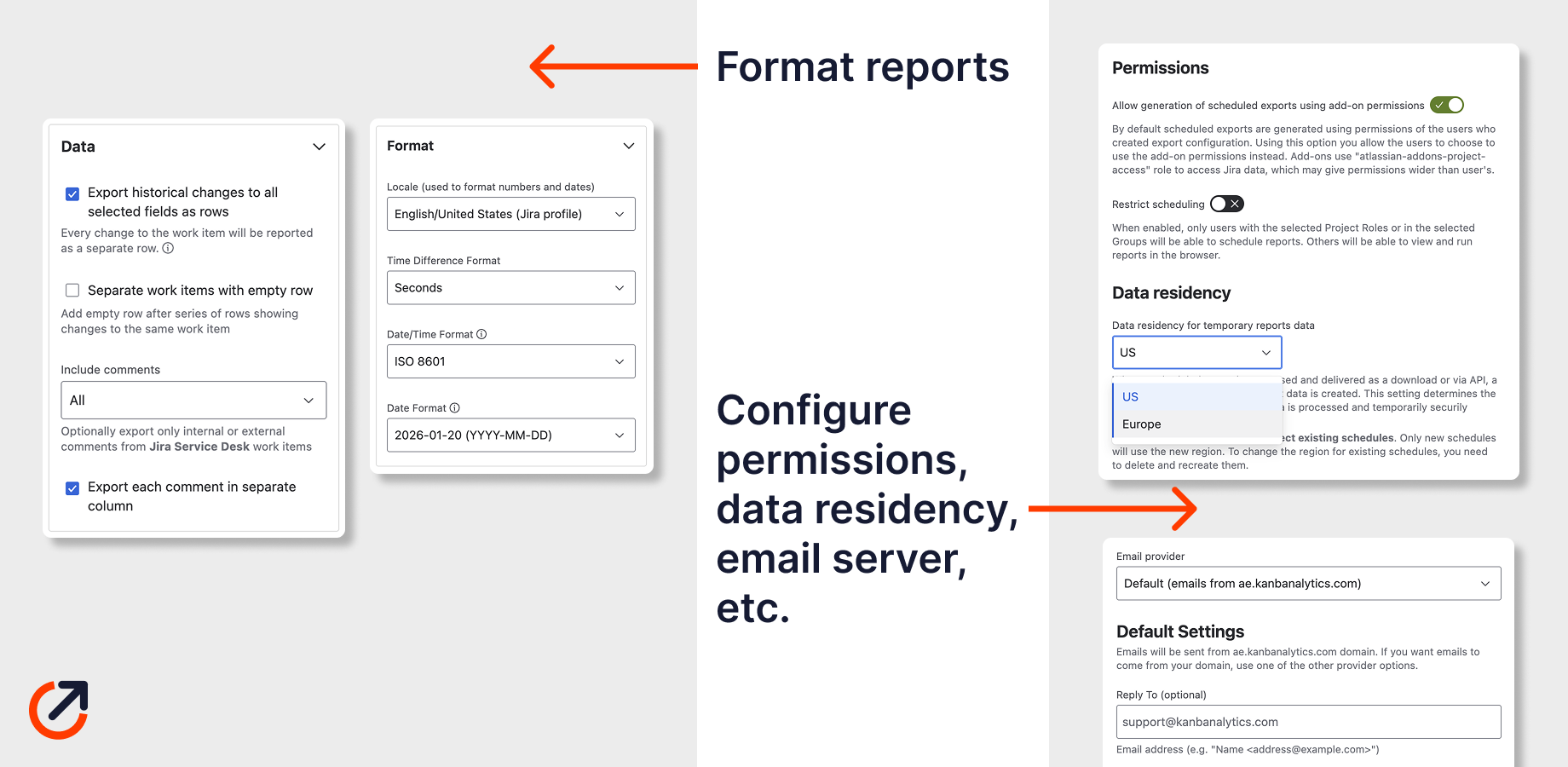
Configure for your needs and organisation
Format each report to match your requirements. Configure permissions, data residency, and email server settings for your organisation.
Benefits
Why teams choose Advanced Export
Compliance ready
Meet audit requirements with complete, timestamped export of all work item changes.
Works with any tool
Import your data into Excel, Power BI, Tableau, or any analytics platform.
Secure by design
Data is processed in your browser. Nothing is sent to external servers.
Ready to get started?
Install Advanced Export from the Atlassian Marketplace and transform the way you work with Jira.